
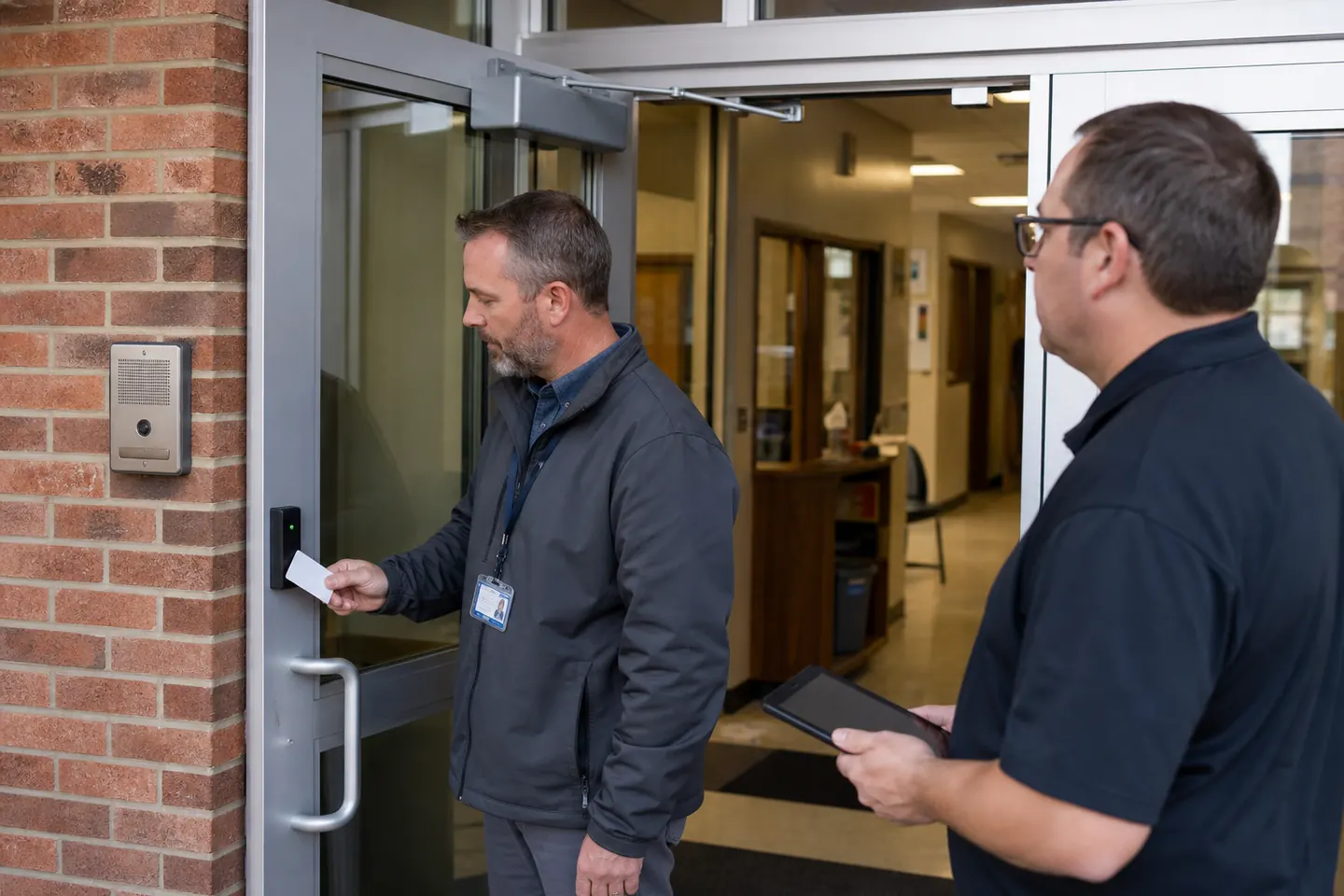
School access control should support calm daily operations: staff arrival, visitor screening, deliveries, after-hours programs and reliable emergency procedures. A useful system does not depend on dramatic assumptions. It starts with the building’s real entrances, schedules and responsibilities.
Review available access control systems, then build the plan around exterior boundaries, visitor workflow and carefully selected interior doors.
Identify every group that uses the building
Teachers, administrators, support staff, substitutes, contractors, volunteers, event staff and visitors do not need identical access. Define doors and schedules by role. Include early arrival, evening activities, summer programs and maintenance periods so the system does not create constant exceptions.
Start with the main entrance workflow
A secure vestibule can allow staff to identify a visitor before releasing the inner door. The design still needs a clear process for deliveries, late students, appointments and people with accessibility needs. Reception visibility, intercom quality and door hardware are as important as the credential reader.
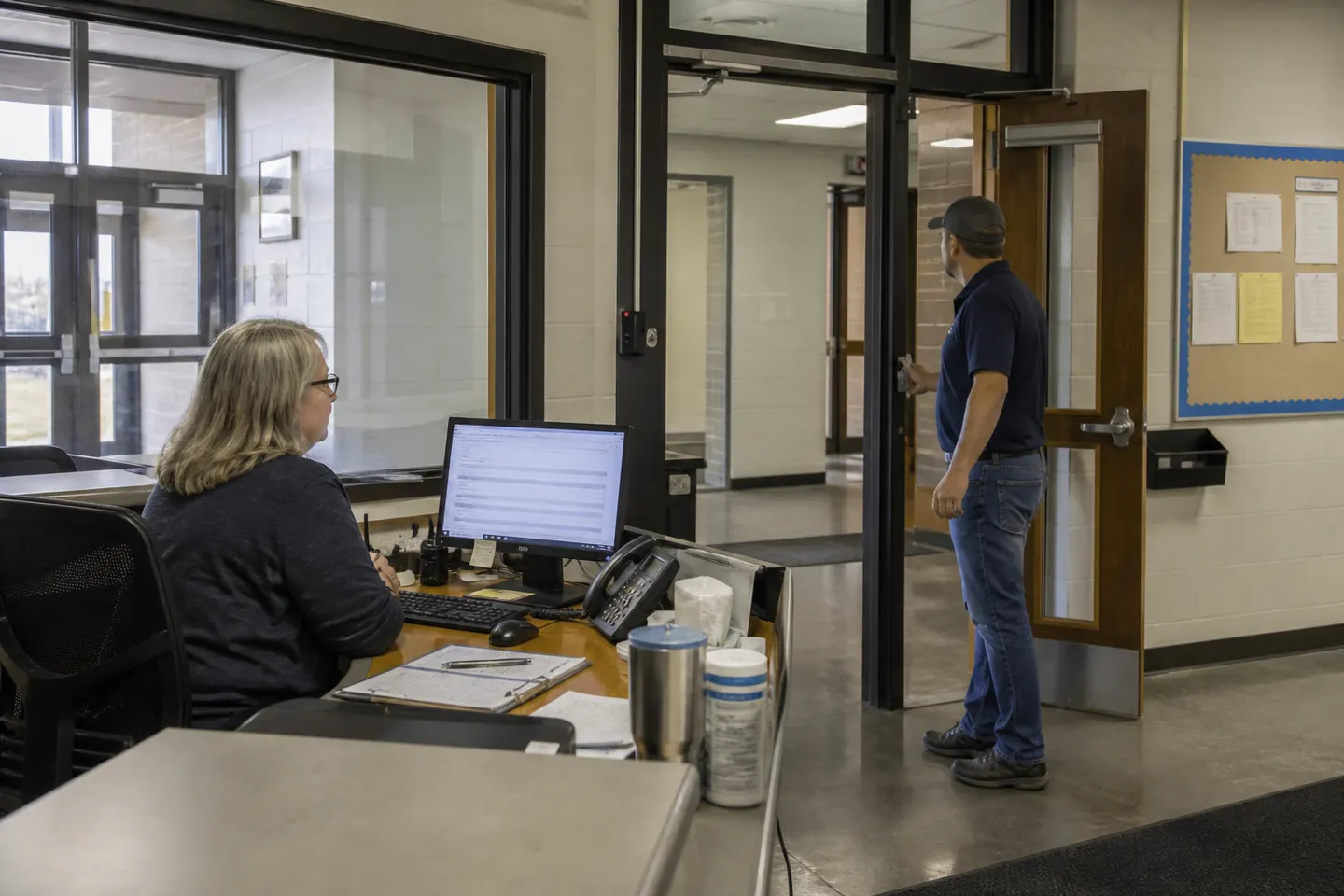
Control staff entrances without encouraging workarounds
Staff entrances should be convenient enough that employees do not prop doors. Use schedules that match real arrival patterns and monitor held-open events selectively. A door with poor alignment or an unreliable closer should be repaired before electronic hardware is expected to solve the problem.
Be selective about interior doors
Server rooms, records, maintenance areas, medication storage and certain administrative spaces may justify additional control. Classroom and corridor openings require careful coordination with local code, fire, accessibility and school safety requirements. Access control manages entry; it must not compromise required egress.
Create a credential plan for substitutes and vendors
Permanent staff can be assigned by role and schedule. Substitutes, coaches and contractors often need expiring credentials with limited door permissions. Shared credentials weaken accountability and are harder to recover. Document issuance, loss, return, role changes and termination.
Coordinate schedules with after-hours use
Gymnasiums, auditoriums and meeting rooms may serve community programs after school. Separate these schedules from full-building access. Confirm who authorizes special events, who can override a schedule and how the building returns to its normal state.
Integrate only where it improves response
Video may help staff verify a visitor or review a forced-door event. Intercom supports communication at entrances. Alarm integration can coordinate monitoring. Ask who supports each connection, which events pass between systems and what remains available during an outage.
Plan installation around occupied buildings
School work may need to occur during breaks or outside instructional hours. Survey every opening for existing hardware, fire rating, power and cable route. Decide how doors remain secure during work and how administrators will be trained before turnover. Use the installation checklist to expose dependencies early.
School access control comparison checklist
- Map entrances, staff routes and visitor flow.
- Define permanent, temporary and after-hours roles.
- Document vestibule, intercom and reception requirements.
- Survey doors and confirm life-safety behavior.
- Define alert ownership and emergency procedures.
- Compare training, support, recurring fees and expansion.
The access control buyer’s guide provides a structured comparison. Schools can then request system and installation options based on the same verified door list.
Frequently asked questions
What doors should a school control first?
Common priorities include staff entrances, visitor vestibules and selected high-consequence rooms. The correct scope depends on the building, reception process and local requirements.
Can school access credentials expire automatically?
Many systems support expiration dates and schedules, which can help with substitutes, contractors and temporary programs.
Should access control connect to cameras?
Integration can help verify and investigate selected events. It should be evaluated for compatibility, privacy, retention, support and the response process.
How should schools compare cloud and on-premises systems?
Review administration, cybersecurity, outage behavior, subscriptions, retention and local support. The cloud versus on-premises guide covers these decisions.