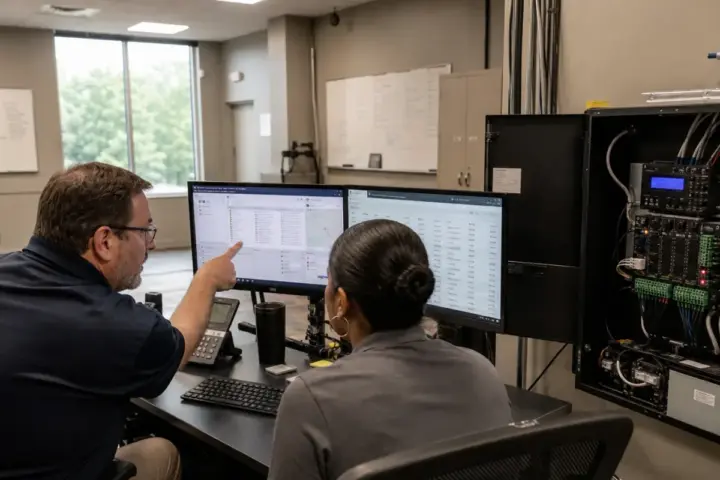

Cloud-based and on-premises access control systems can both manage doors, users, schedules and events. The meaningful difference is where responsibilities sit. A cloud platform shifts more hosting, updates and remote access to the provider. An on-premises platform gives the organization direct local infrastructure but also creates server, backup and maintenance work.
Multi-location businesses should compare the complete operating model. A convenient dashboard is useful, but managers also need dependable door behavior, clear administrator roles, exportable data, recoverable configuration and support when a site loses connectivity.
Before comparing software, document the controlled locations, administrators, network conditions and integrations. The access control systems guide provides the hardware context that belongs beside this software decision.
How cloud-based access control works
A cloud-managed system normally connects field controllers or gateways with a hosted platform. Authorized staff use a web or mobile interface to add people, change permissions, review events and monitor doors. Local hardware should retain essential rules so approved users are not automatically locked out during an ordinary internet interruption.
Cloud platforms can simplify central management, software updates and remote support. They may also make it easier to add a new branch without building a separate local server environment. The tradeoff is an ongoing relationship with the platform, its licensing and its data practices.
How on-premises access control works
On-premises systems place management software and databases on infrastructure controlled by the organization. This may suit businesses with internal security and IT teams, specialized network policies or requirements for direct local administration.
Ownership comes with responsibility. Someone must maintain servers, backups, certificates, software versions, remote access and recovery procedures. An older local system that is never updated is not automatically safer than a well-managed hosted system.

Seven questions for a multi-location comparison
1. What happens when connectivity fails?
Ask which door decisions continue locally, how many events are stored, how administrators are alerted and how information synchronizes after service returns.
2. Who can administer each site?
Regional managers may need limited control while corporate security retains organization-wide authority. Test whether roles can be restricted by site, door and function.
3. How are identities kept consistent?
A person should not become a separate unmanaged record at every office. Review directory, HR or identity integrations and the process for exceptions, contractors and shared services.
4. What data can be exported?
Confirm access to people, credentials, permissions, event history, door configuration and audit records. Understand the format, cost and timing of a complete export.
5. How are updates and cybersecurity handled?
Ask who applies updates, reviews vulnerabilities, protects administrator accounts and records configuration changes. Multifactor authentication and unique administrator identities should be discussed where supported.
6. How are integrations supported?
Video, visitor, intercom, intrusion and identity connections may involve several vendors. Document who owns troubleshooting and how upgrades are tested.
7. What is the true ownership cost?
For cloud systems, include subscriptions, credentials, storage, integrations and premium support. For on-premises systems, include servers, operating systems, backups, remote access, IT labor, upgrades and recovery.
A hybrid environment may be practical
Some organizations retain an established local system at a headquarters while using cloud-managed access at smaller branches. That can support a gradual transition, but it creates two administrative models. Define how identities, policies, reporting and incident review will work across both.
Do not force every location into identical hardware when doors and operations differ. Standardize credential security, administrator roles, naming, reporting and support expectations while allowing site conditions to shape the opening design.
Prepare vendors for a useful demonstration
Ask each provider to perform the same tasks: add a new employee to two offices, restrict a contractor to one door and schedule, disable a lost credential, investigate a forced-door event, delegate a local administrator and export an audit record. Record steps, unclear permissions and dependencies.
Then use the access control price comparison with the same site and door counts. Organizations planning national deployment can also review verified service-area information.
Frequently asked questions
Does cloud access control stop working without internet service?
Properly designed systems commonly retain essential local door rules during an interruption, but capabilities vary. Confirm offline behavior, event storage and synchronization for the proposed products.
Is on-premises access control more secure?
Neither deployment model is automatically more secure. Configuration, updates, administrator controls, network design, monitoring, backups and organizational practices determine much of the risk.
Can cloud access control manage many locations?
Many platforms are designed for centralized multi-site management. Confirm licensing, delegated administration, identity integration, offline operation and support coverage.
What should a software quote include?
Request implementation, door and user licensing, credentials, storage, integrations, support, training, renewal terms and data-export conditions.