Warehouse access control has to work around shift changes, loading activity, temporary labor, drivers and large buildings with doors that are not always visible from an office. The goal is not to place a reader everywhere. It is to control the routes that matter and make exceptions visible without slowing material flow.
Start with the commercial access control system options, then build the scope from people, doors and operating hours.
Separate personnel entry from loading activity
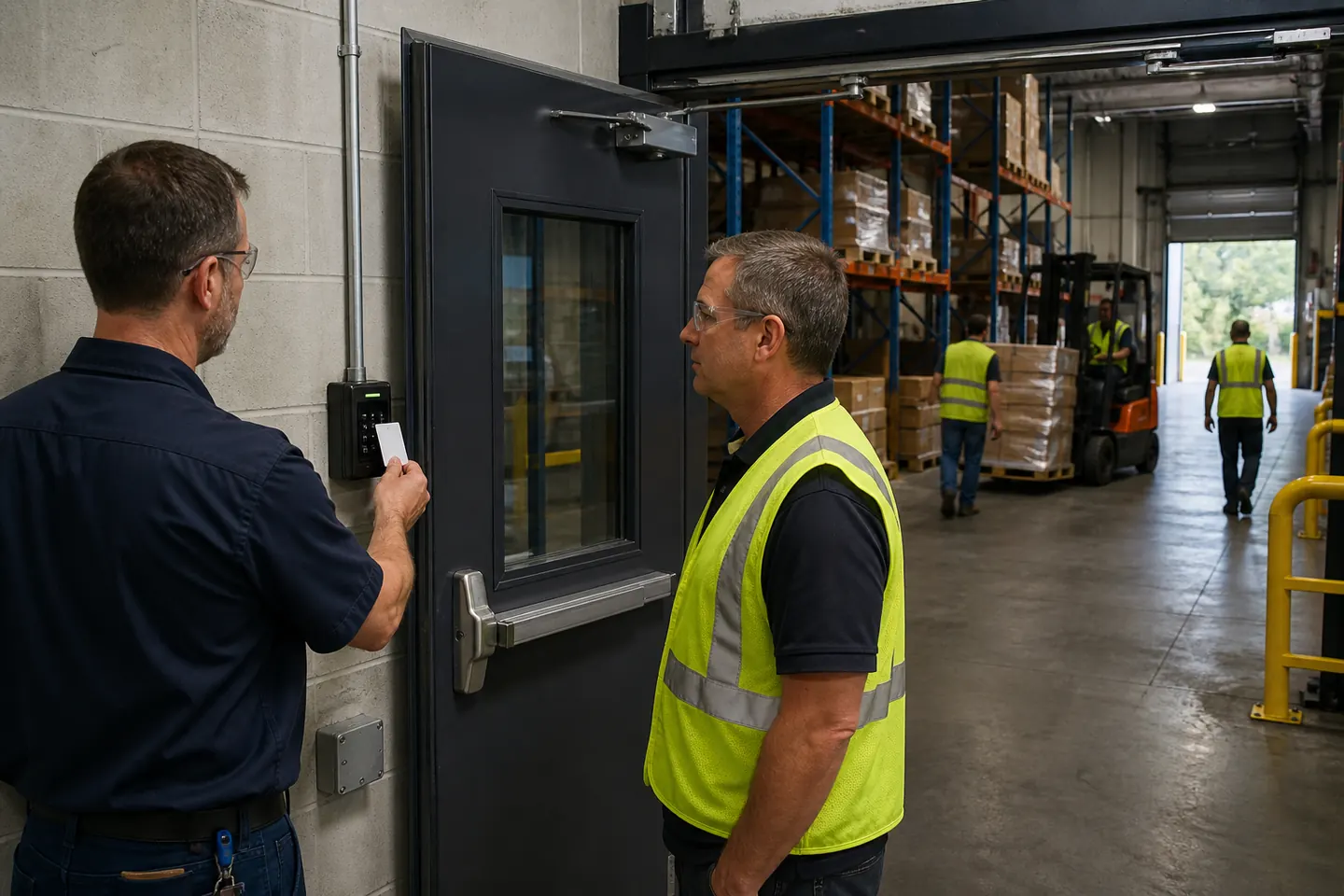
Employee entrances, dock personnel doors, truck gates and overhead doors serve different users. A credentialed employee door should not be evaluated as if it were a vehicle gate. Identify how drivers check in, where temporary workers enter and whether a dock door can be left open while the adjacent personnel door remains controlled.
Define roles for workers, drivers and contractors
Permanent employees may receive permissions by department and shift. Temporary workers can be limited by date and schedule. Drivers may need only a gate, check-in area or restroom route. Maintenance contractors may require temporary access to mechanical or equipment areas. Expiration dates reduce the number of forgotten credentials.
Prioritize doors by consequence
Typical priorities include employee entrances, inventory cages, server rooms, tool cribs, high-value storage, office-to-warehouse doors and restricted production areas. Consider both asset risk and safety. A room used constantly may need different hardware than a door opened twice a week.
Choose hardware for the environment
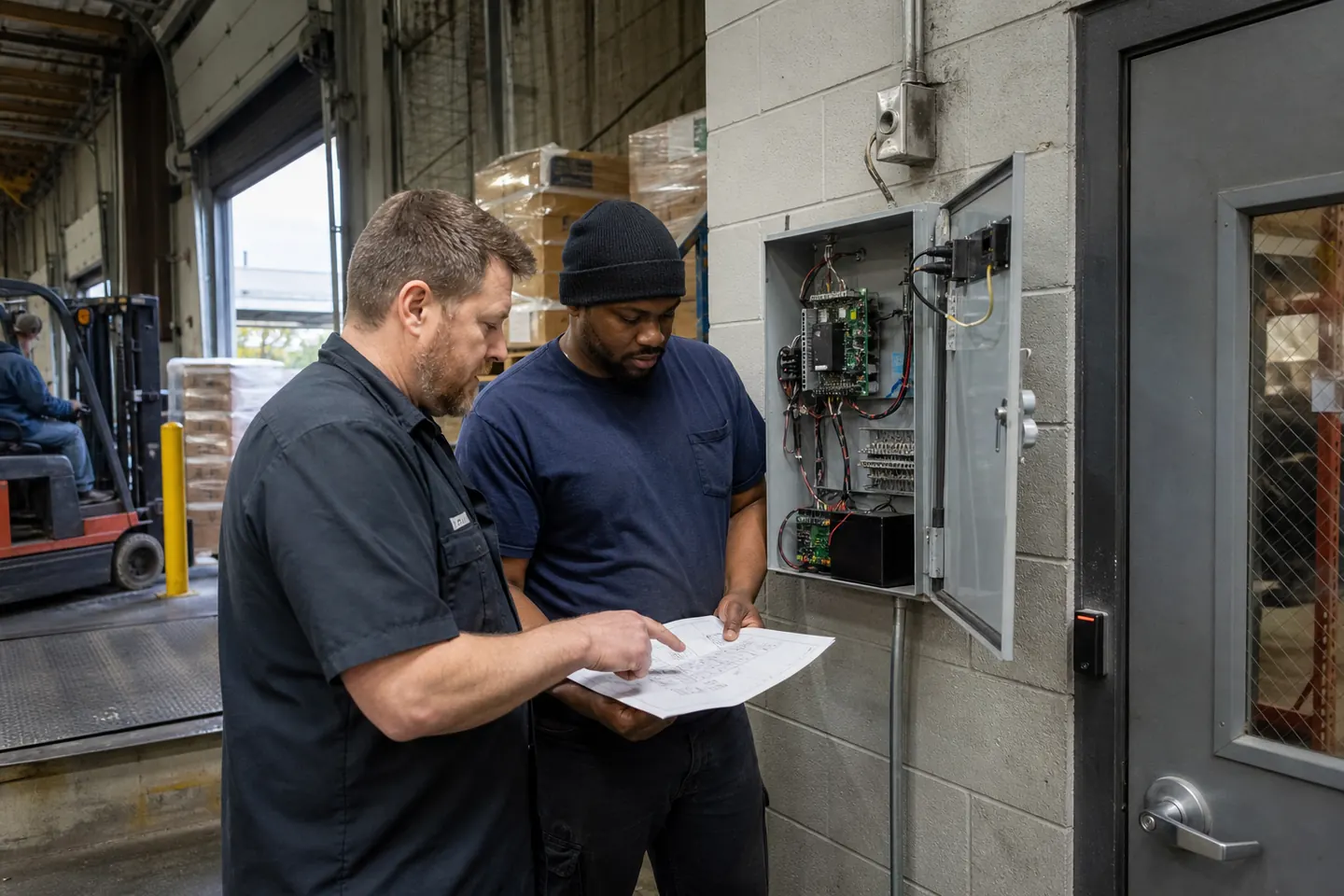
Dust, temperature, vibration, washdown conditions and impact risk affect readers, locks, request-to-exit devices and enclosures. Exterior equipment needs appropriate weather resistance. Door condition matters: a bent frame or weak closer can turn a good system into a recurring service problem.
Make shift changes easy to administer
Use groups and schedules instead of programming users one at a time. Document who approves overtime, weekend work and transfers between departments. Keep a backup administrator trained. Lost credentials and terminations should be handled immediately, not in a monthly cleanup.
Use exception alerts selectively
Forced-open, held-open, repeated denied access and reader-offline events can be useful. Too many alerts teach staff to ignore them. Define thresholds, recipients and response steps for each monitored opening. Video integration can help review an event, but it should be tied to a specific operational need.
Plan for network and power interruptions
Ask how doors operate when the internet, local network or host is unavailable. Confirm battery backup, controller behavior and the process for restoring event data. Multi-site warehouses should also decide whether administration is centralized, local or shared.
Survey the building before comparing bids
Record door type, current hardware, frame condition, cable path, power availability and desired behavior. Include gates and detached buildings. The existing-building installation checklist helps identify exclusions before proposals arrive.
Warehouse quote checklist
- Door and gate schedule with operating hours
- Employee, temporary worker, driver and contractor counts
- Environmental and rugged-hardware requirements
- Shift, overtime and visitor procedures
- Alarm, video, gate and human-resources integrations
- Subscriptions, training, response time and spare credentials
Use the buyer’s guide to compare exclusions and support. Then request warehouse access control pricing using the same opening schedule for every provider.
Frequently asked questions
Should overhead dock doors have access control?
They may require gate, operator or alarm integration rather than the same hardware used on a personnel door. Evaluate the opening, safety devices and operating workflow separately.
Can temporary workers receive time-limited access?
Many commercial systems support scheduled and expiring credentials. Confirm how accounts are created, approved and reviewed.
What warehouse alerts are most useful?
Forced doors, excessive held-open time, reader outages and repeated denied access are common starting points. Alert rules should match a documented response.
Can one system manage several warehouses?
Many platforms support multiple sites. Compare permissions, network architecture, subscription terms, local outage behavior and reporting before standardizing.